

Turn Power BI into Your
Complete Planning & Forecasting Tool
You Need Planning That Works With Power BI, Not Against It
Stop relying on multiple, locally stored Excel spreadsheets to keep track of your budgets and check out what Power ON has to offer. A complete budgeting & planning solution that’s built on top of your existing BI tool – seamless integration.
Unify Planning, Analytics, & Teamwork in Power BI
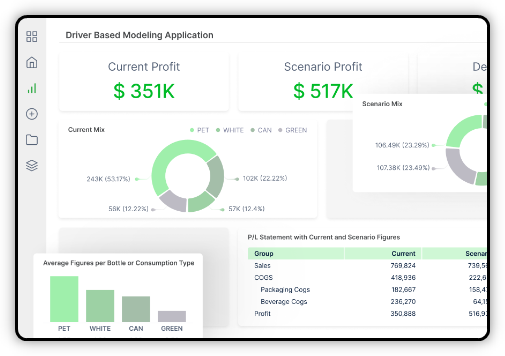
One Planning Workplace
Use Power BI for Integrated Planning and Analysis
You already have Power BI, so why make people learn something new?
Add planning to Power BI and get driver-based models, what-if scenarios, approval workflows, AI predictions, and team collaboration.
Power ON makes Power BI your one-stop planning workspace, not just a place to look at charts. Stop paying for multiple systems and make resource planning easier.
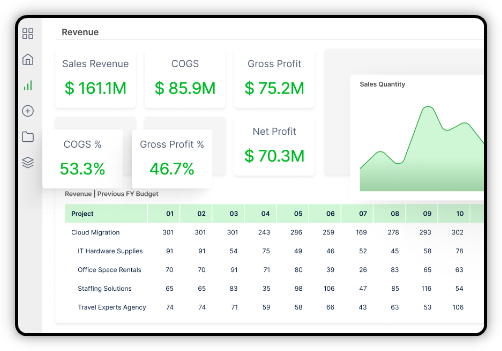
Real-time Collaboration
Get Everyone Working in the Same Secure Place —Power BI
Give your teams one secure workspace where they can analyze, plan, comment, update data, and work together in real-time.
Build data collection apps without coding to keep information clean and secure. Updates go straight back to your data sources, so no more juggling different databases.
When it feels familiar, people actually use it and get more creative with their work.
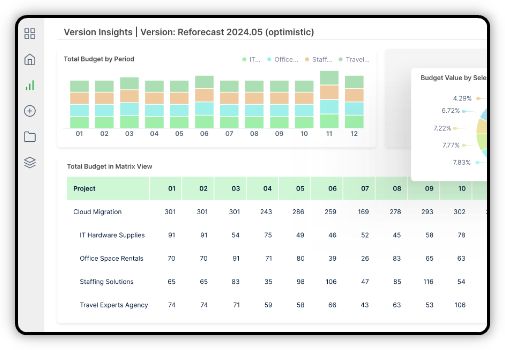
Excel Feel in Power BI
Make Power BI Work Like Excel for Your Team
You already have Power BI, so why make people learn something new?
Add planning to Power BI and get driver-based models, what-if scenarios, approval workflows, AI predictions, and team collaboration.
Power ON makes Power BI your one-stop planning workspace, not just a place to look at charts. Stop paying for multiple systems and make resource planning easier.
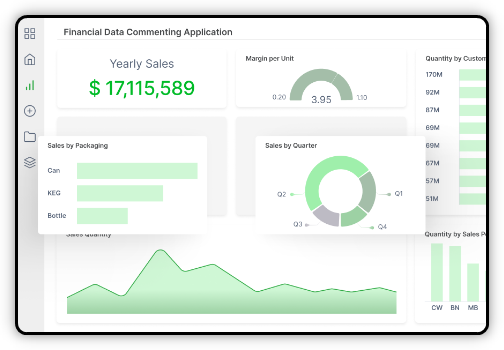
Collaborative Data Applications
Create Data Collection Apps Without Any Coding
Collect and analyse data smoothly and quickly. Add comments directly to data points.
Create data collection tools with version control, workflow management, login security, and role-based permissions. Your teams work together to allocate resources, update capacity limits, comment on availability, and adjust workloads quickly as needed. You can continually track utilisation and plan for future needs.
Build input forms within Power BI to gather information that feeds directly into your data model.
Transform the Way You Budget & Plan
Take Planning Beyond Spreadsheets
Bring budgeting, forecasting and planning into your Power BI environment with Power ON and ERP365.