
Reverse Planning for
Microsoft Dynamics 365 Business Central
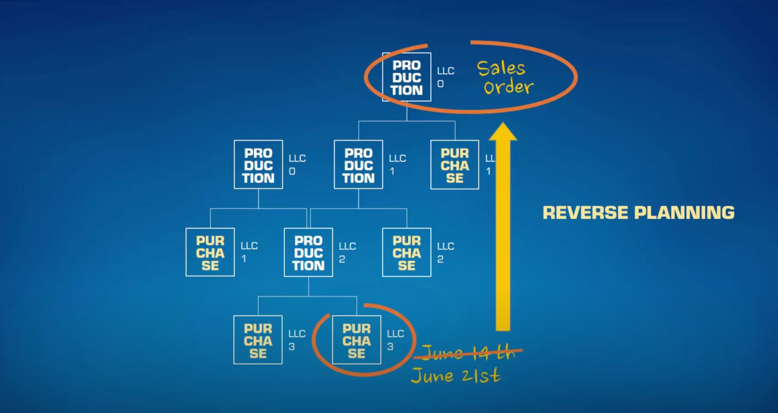
Control stock levels with Reverse Planning
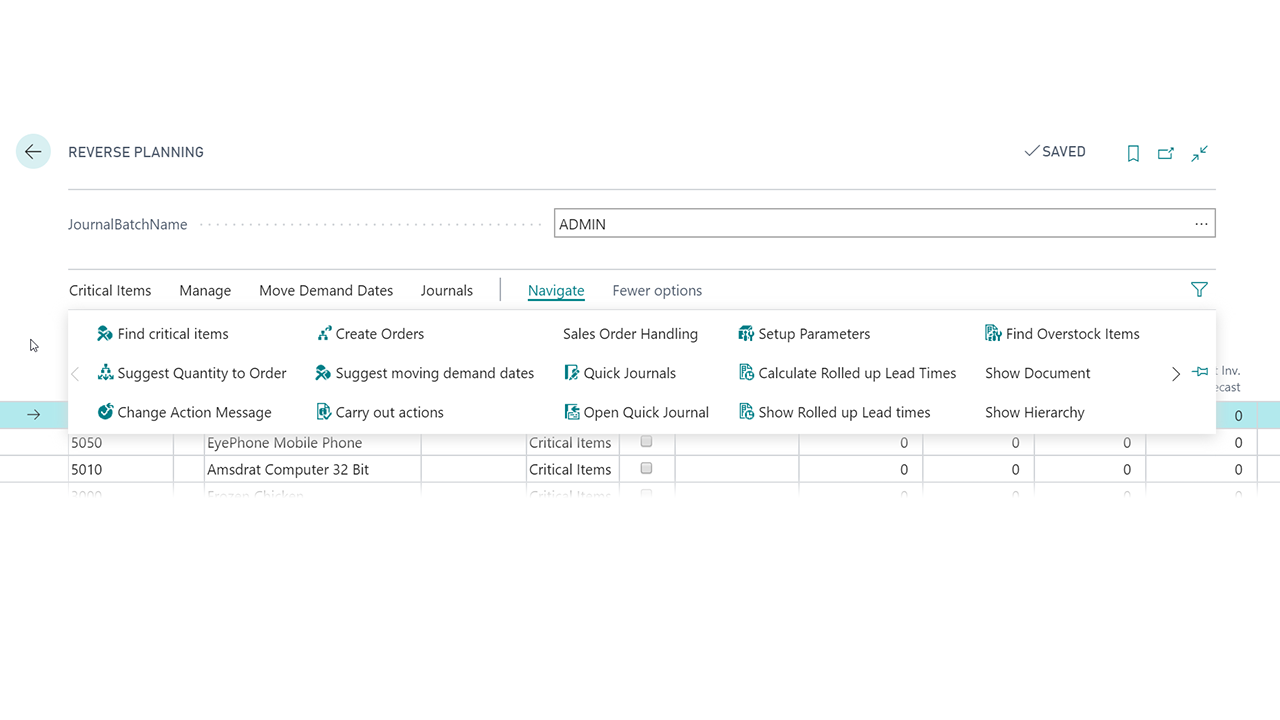
Reverse Planning improves Business Central inventory planning by identifying items at risk of falling below safety stock within their lead time. Using known supply and demand, it highlights potential stockouts and replenishment issues, helping you prioritise critical items and take action before they affect delivery.
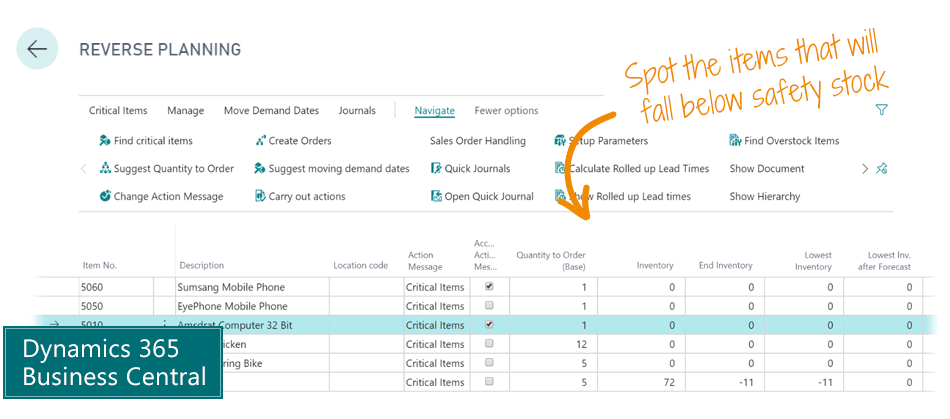
Prevent Stockouts with Smarter Inventory Planning
Reverse Planning helps you identify potential stockouts before they happen, giving your team more time to make informed replenishment decisions.
The Reverse Planning app for Microsoft Dynamics 365 Business Central identifies items at risk of falling below safety stock levels within their lead time. It considers all known supply and demand to highlight the inventory items that need attention first.
With clearer visibility into future stock availability, you can prioritise critical items, improve replenishment planning and take action before inventory shortages impact customer deliveries.
For the Production Manager

Potential to forecast overall capacity requirements on the basis of product mixes designated by upper-tier products alone.
Potential to forecast and budget commodities for vendors on the basis of upper-tier product mixes.
Faster reaction time for rush orders, including derived requirements.
Happier planners, who can work more flexibly and with greater clarity.
For the Finance and Sales Manager
Better utilisation of the planners’ resources through more qualified and relevant order suggestions.
Better opportunities to focus on products and production orders that are necessary for being able to deliver particular sales orders.
For the Planner and Purchaser
Potential to plan by relevant date interval even if this differs for various products.
More flexible handling of lines in the planning journals.
Grouping of planning in terms of inventory hierarchies, planner codes, and vendors.
Makes visible a product’s “Rolled Up Lead time”, that is, the time it takes to procure the product as well as all products in the hierarchy below it.
Improve Inventory & Replenishment Planning in Business Central
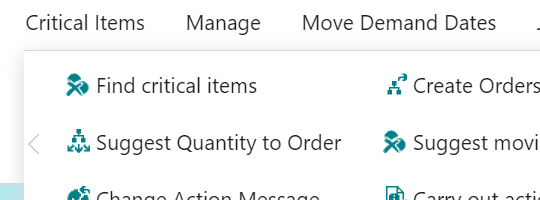
Calculate all critical items
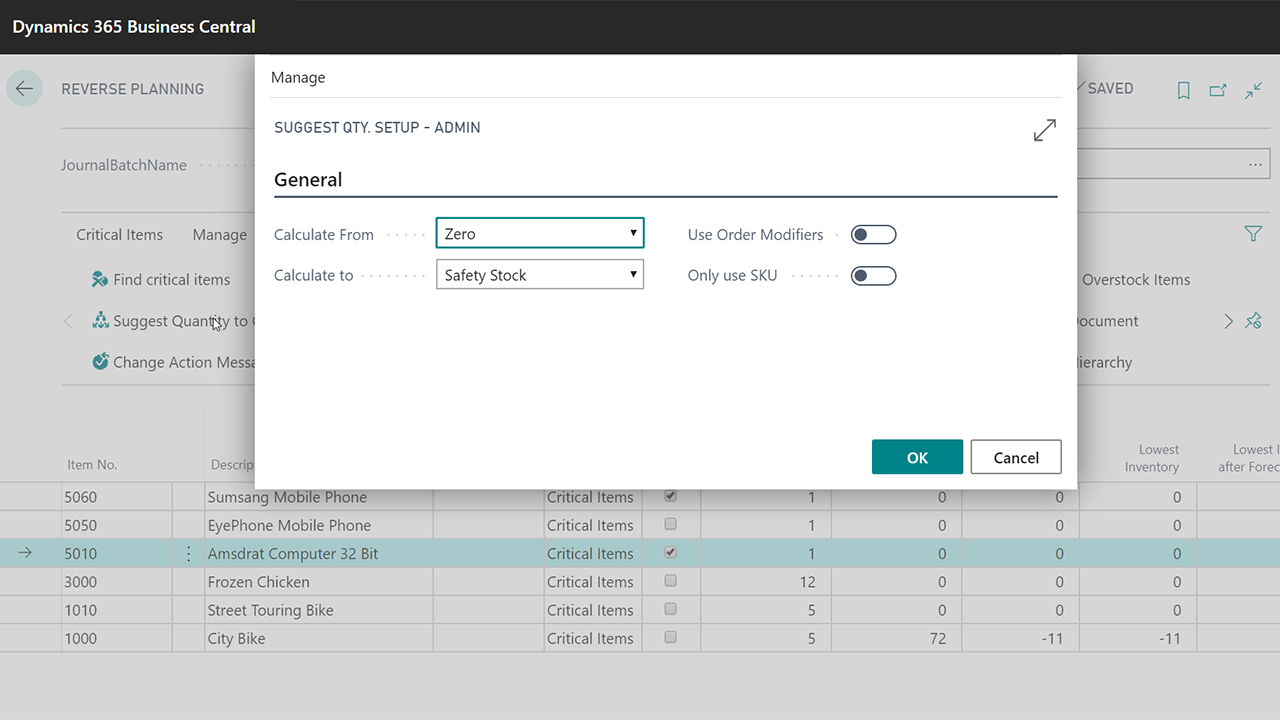
With Abakion’s Reverse Planning you can calculate which items fall below safety stock level within each item’s lead time or a fixed end date.
This displays the items that need to be addressed in relation to the orders you have in the system here and now.
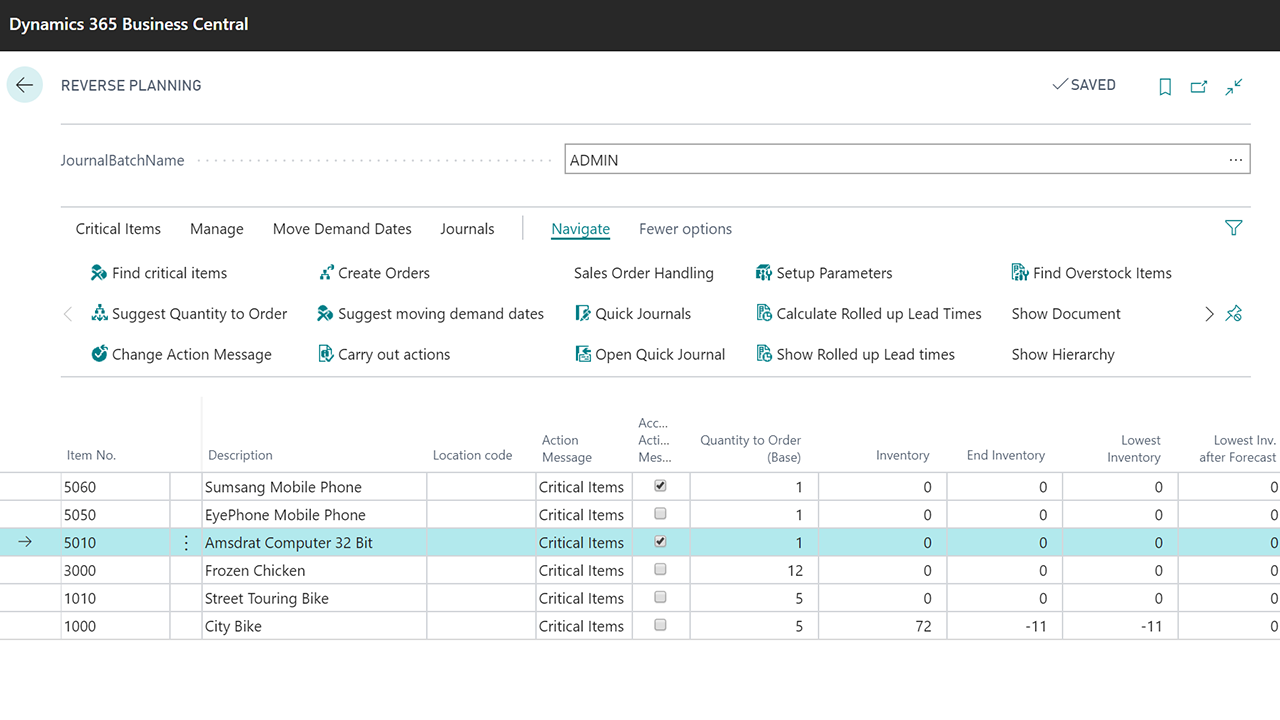
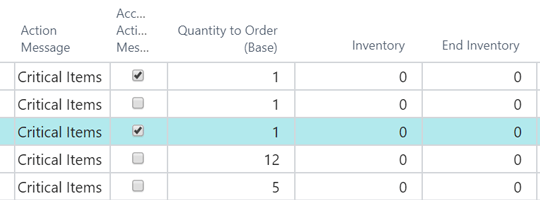
On the lines in Reverse Planning you can see what the lowest inventory in the period is, with regard to “all known orders”, “forecast” and “planning lines”.
Substitute and complement the planning jobs
If you use planning jobs in Business Central, Reverse Planning can ease the workday of planners and salespeople by showing which items should be handled first to ensure delivery.
If you do not use planning, Reverse Planning can create a sort of “mini-plan” by showing which items need to be addressed in order to prevent a negative balance on your stock. This doesn’t require any setup of master data.
Calculation within lead time
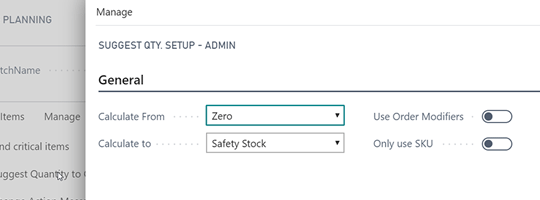
Normally you cannot see the lead time on production items in Business Central. It is calculated and displayed in Reverse Planning, just like you also know the lead time on purchased items.
For example, you can calculate the “item lead time x 1.3 + 5 days”, so that you are working with a period per item where you actually should react, even though some products have long lead times and others can be reordered within a few days.
Focus on critical items when plannings
As a planner it is often necessary to change the planning lines that Business Central suggests, but it is not always easy to foresee the consequences.
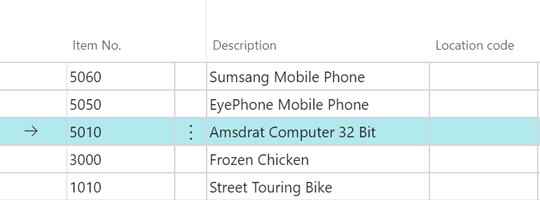
If there are a lot of lines in the worksheet, then you can directly calculate the Reverse Planning and see exactly which items from the worksheet are critical and will cause you to fall below safety stock.
Improve Inventory & Replenishment Planning in Business Central
Calculate all critical items
With Abakion’s Reverse Planning you can calculate which items fall below safety stock level within each item’s lead time or a fixed end date.
This displays the items that need to be addressed in relation to the orders you have in the system here and now.
On the lines in Reverse Planning you can see what the lowest inventory in the period is, with regard to “all known orders”, “forecast” and “planning lines”.
Calculation within lead time
Normally you cannot see the lead time on production items in Business Central. It is calculated and displayed in Reverse Planning, just like you also know the lead time on purchased items.
For example, you can calculate the “item lead time x 1.3 + 5 days”, so that you are working with a period per item where you actually should react, even though some products have long lead times and others can be reordered within a few days.
Substitute and complement the planning jobs
If you use planning jobs in Business Central, Reverse Planning can ease the workday of planners and salespeople by showing which items should be handled first to ensure delivery.
If you do not use planning, Reverse Planning can create a sort of “mini-plan” by showing which items need to be addressed in order to prevent a negative balance on your stock. This doesn’t require any setup of master data.
Focus on critical items when plannings
As a planner it is often necessary to change the planning lines that Business Central suggests, but it is not always easy to foresee the consequences.
If there are a lot of lines in the worksheet, then you can directly calculate the Reverse Planning and see exactly which items from the worksheet are critical and will cause you to fall below safety stock.
Identify Stock Risks Before They Become Stockouts
Use Reverse Planning to identify critical inventory based on safety stock, lead times, supply and demand, giving your team more time to take action.